Create an Account and Login to Employee Center FMLA Manager for FMLA Events
1. Navigate to https://employeecenter.fmlamanager.com/
2. Click "Create Account"

3. Click the "Email" field. Enter the personal email address that you provided to the Clerk's office as your secondary email address. JJ Keller will be sending all communications to your personal email address not your work email address.

4. Click "Continue"

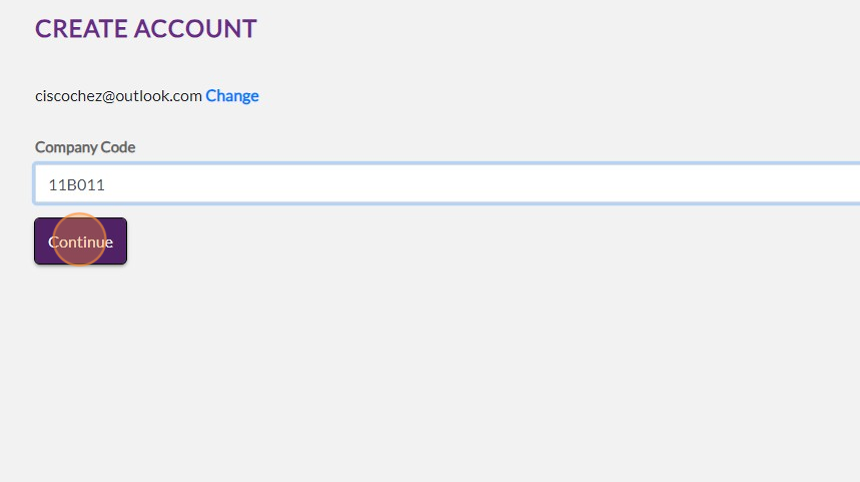
5. Click the "Company Code" field. Enter 11B011

6. Click "Continue"
7. Click the "Enter Password" field. Enter the password for your personal email address

8. Click "Save and Continue"

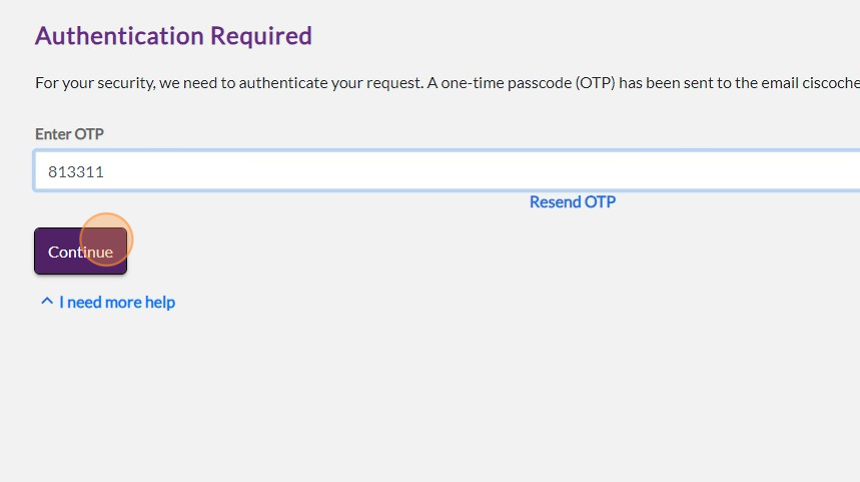
9. Click the "Enter OTP" field. Enter the code that was sent to your personal email address

10. Click "Continue"
11. Login to the JJ Keller FMLA Manager Employee center with your personal email address and password

12. Click "Continue"

13. Click the "Password Forgot your password?" field.

14. Click "Login"

15. Click this checkbox.

16. Click "Accept"
